MacBook Neo : It’s cute, affordable and tempting. But is it the right computer for you?
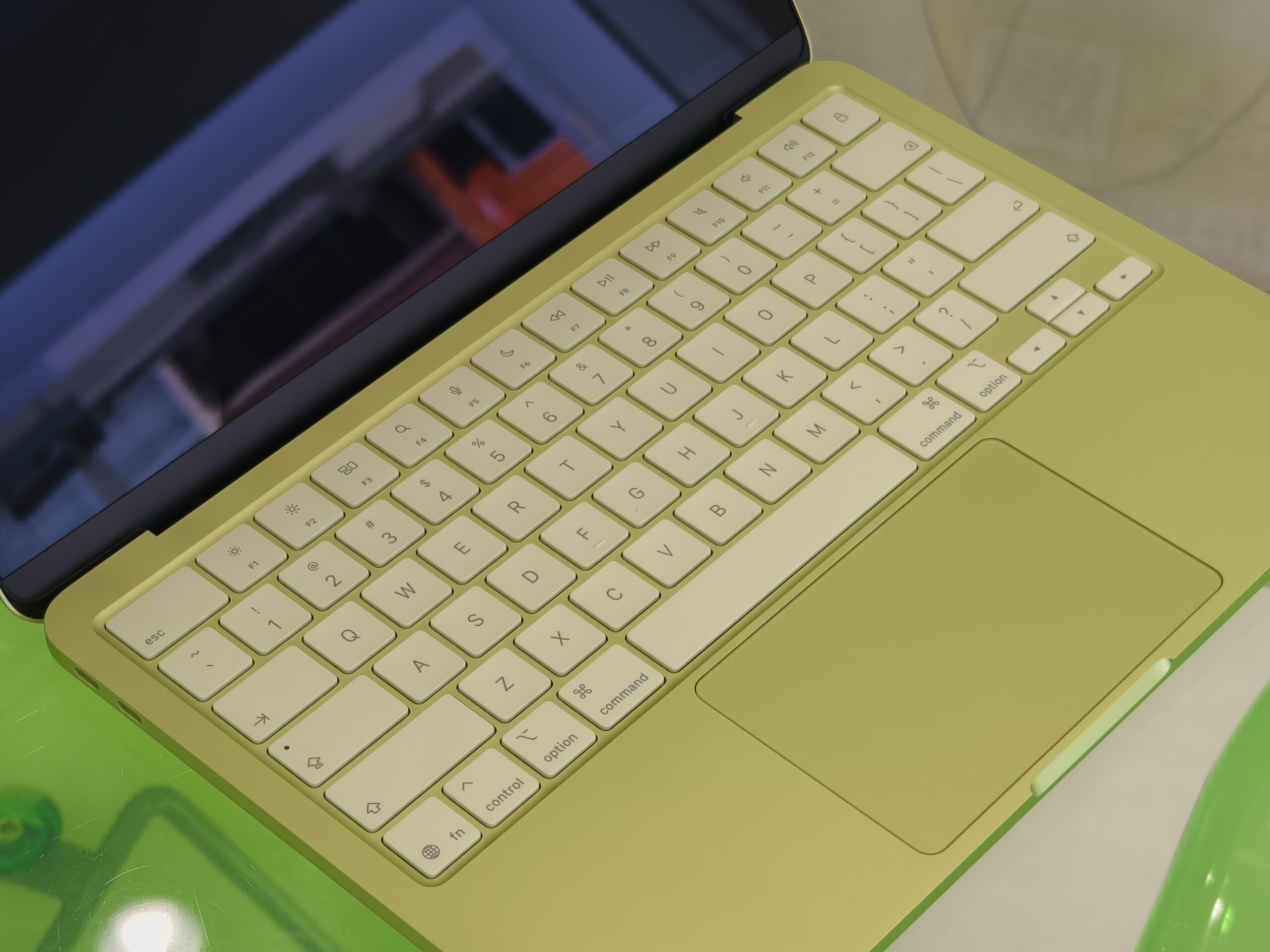
The tech world has been buzzing ever since Apple decided to shake up the hierarchy. For years, owning a MacBook was a prestige move that required a serious investment, usually starting well north of RM4,000. Due to this, for many, getting a MacBook is consider the destination they want to achieve one day. But the arrival of the MacBook Neo has flipped the script. It’s sleek, it’s colorful, and at a starting price of RM2,499, it is undeniably tempting for anyone looking to upgrade their digital life, now instead of later.
However, in the world of tech, affordable often comes with a compromise. As we break down the MacBook Neo using the SWOT framework, we’re looking at beyond the branding, to see if this cute machine actually fits your workflow. We want to analyse where the Neo shines, where it cuts corners, and most importantly who exactly should (and shouldn’t) be clicking “Add to Cart”.
The Strengths : It’s a Mac afterall.
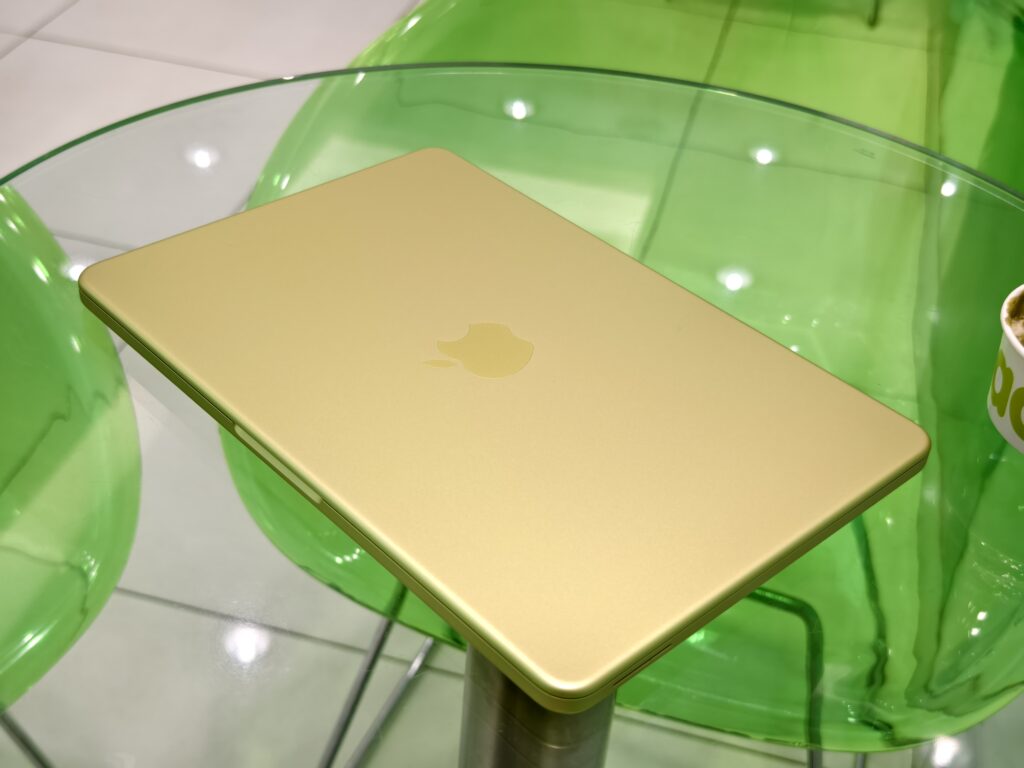

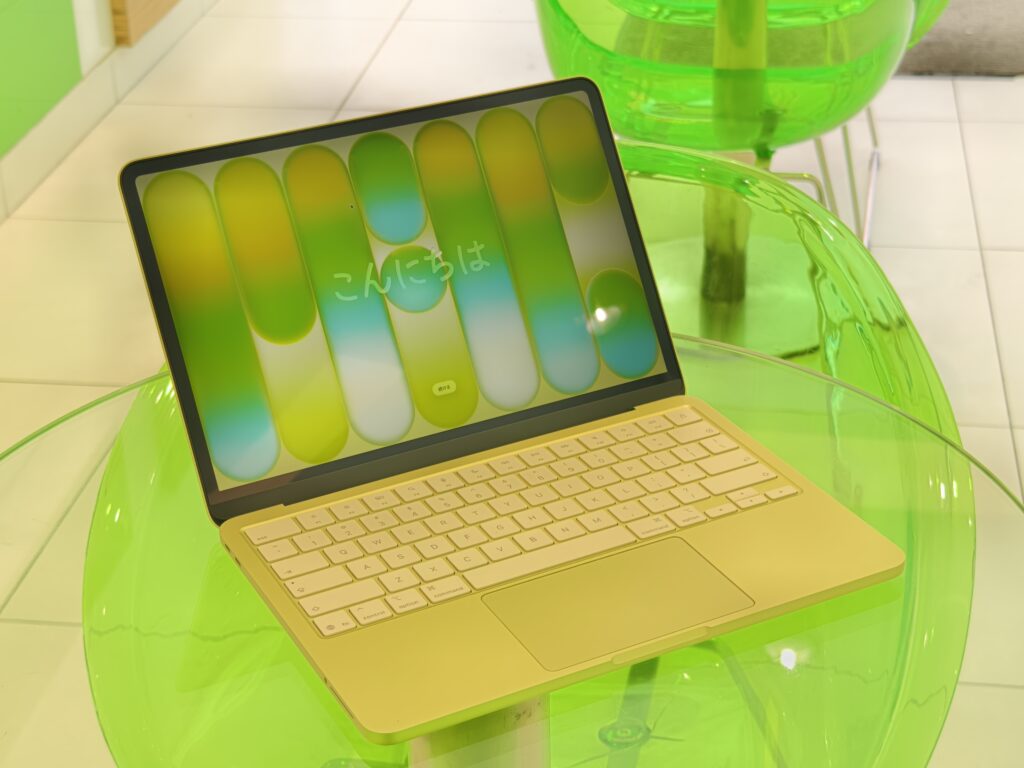
We can’t deny, the best thing about the Neo that shakes the world is the price point. At starting price of RM2,499, it undercuts or matches many premium mid-range Windows laptops or Ultrabooks. It’s a comfortable price for many when they are buying a good Intel Core i5 or Ryzen Ultrabooks. But now with the same amount of money, they can get a Mac that offers the full Apple Experience that was expensive before. They can now use iCloud, AirDrop, Apple sharing and many other advantages of being in the Apple ecosystem.
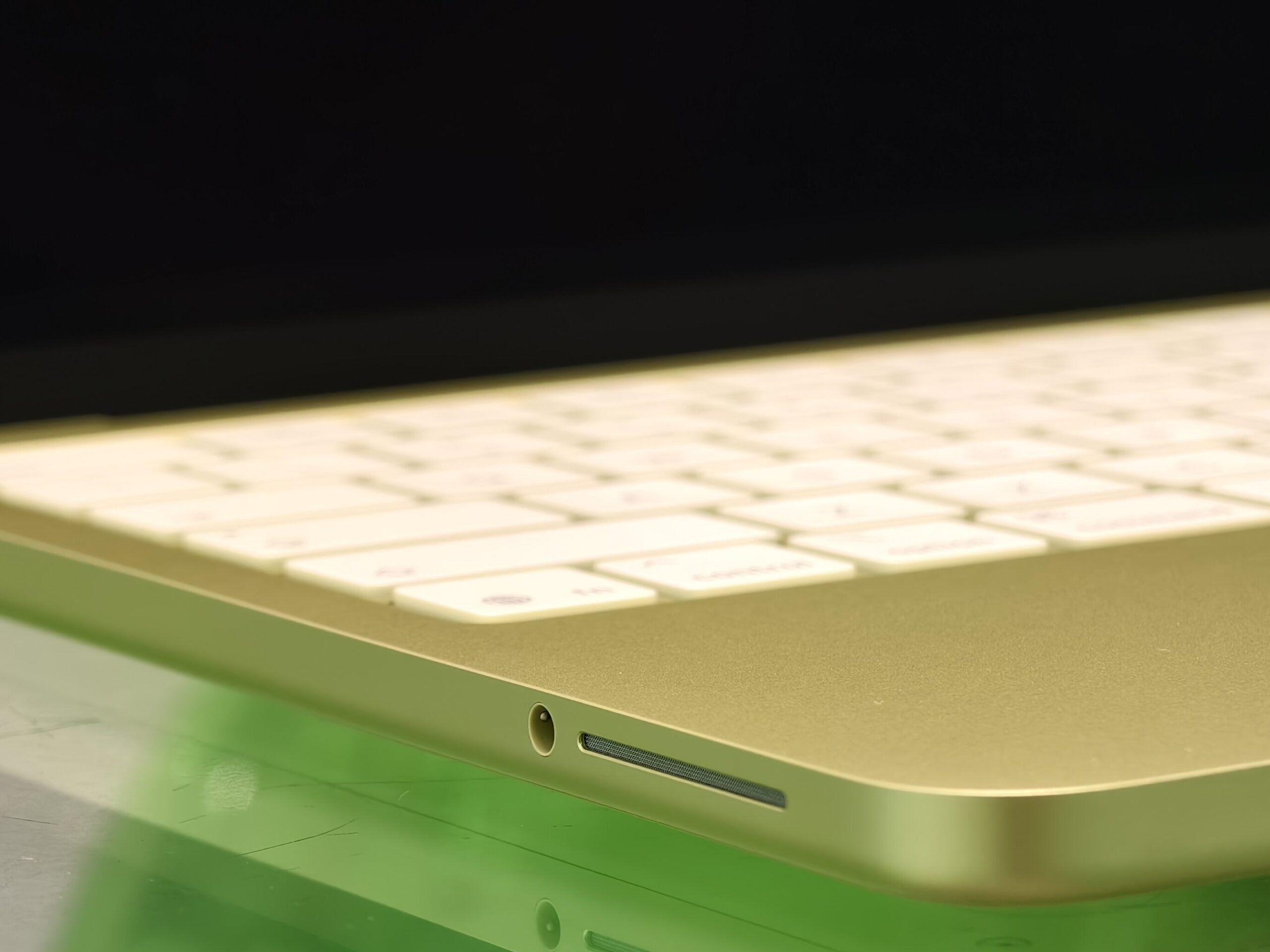
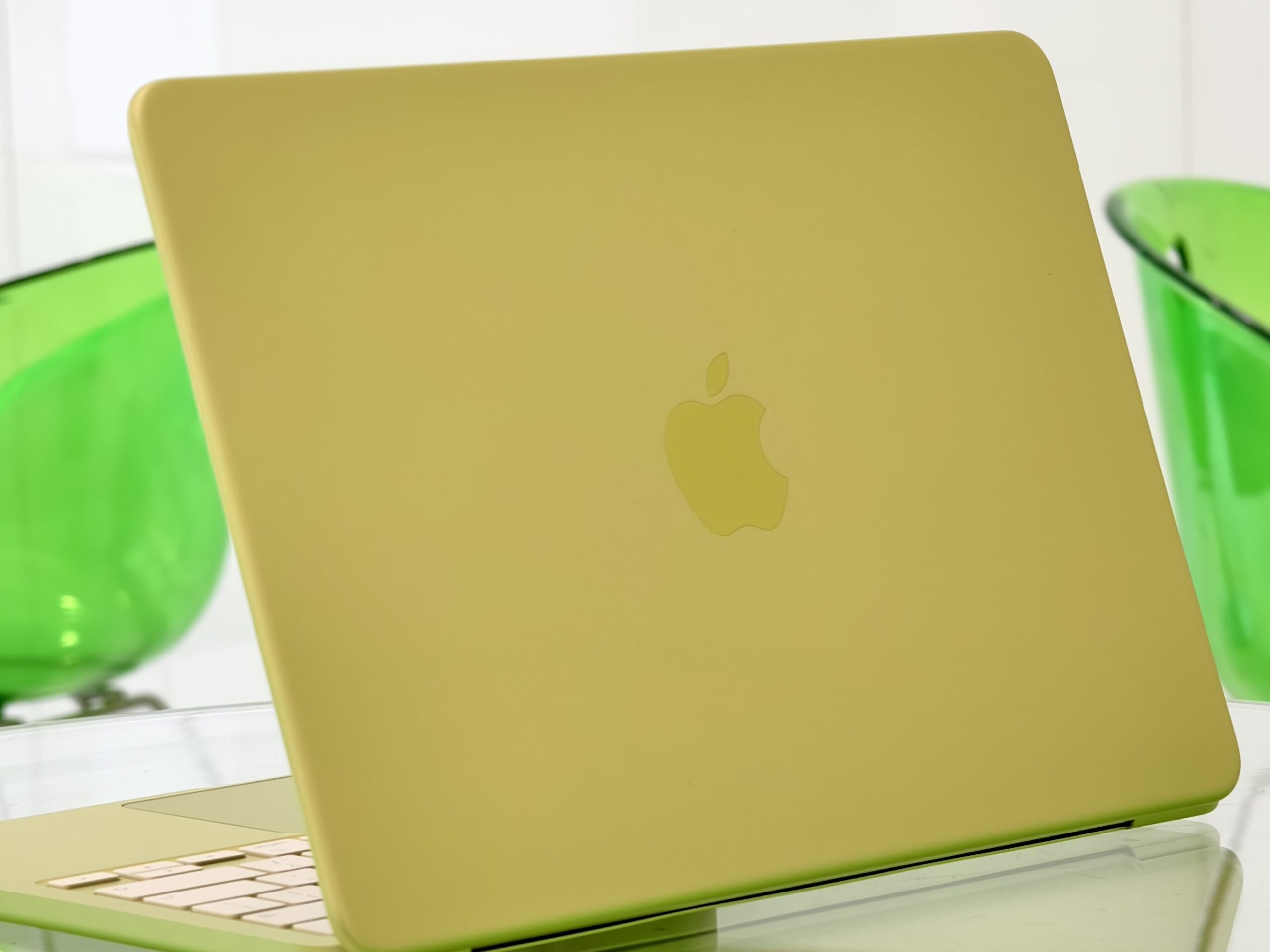
The next best thing is the looks and the build quality. There’s no other brands can produce laptop that is both professional and fancy. Only Apple. The Neo has vibrant colours options, while keeping the all-aluminum chassis and premium finish Apple is known for. You won’t be judged for being too fancy if you turn up to a meeting in a Citrus MacBook Neo.
Like the title said this is after all, a MacBook. A laptop that is known for its efficiency. It continues here with the Neo. The A18 Pro chip delivers respectable performance (more to be discussed later), all while having a fanless, silent design. And the battery life? It easily gives you up to 16 hours of ordinary usage.
The Weaknesses (and Compromise)
There are few compromises in the Neo, but I highlighted few that I think are the most essentials. First is somehow Apple max the RAM to only 8GB (again?). You can’t even customize it in Apple online store to have more than that (even worse than before!) No matter what Apple marketing said, 8GB RAM is still a 8GB, regardless of it’s a unified or no. And upon my few weeks of testing, The Neo struggles with heavy multitasking, or doing intense RAM hunger tasks such as rendering photo or video.
Second weakness that Neo has is the keyboard lacks backlit. An important feature if you are like me who likes to wrote my ideas or do work anytime anywhere. As good a typist I am (I don’t even need to look at the keyboard while writing this article), I still need to see my keyboard to do certain function or hotkeys combination etc. So a backlit keyboard is important at those crucial moments.

The third weakness is the 13″ Liquid Retina screen lacks standard True Tone and ProMotion, unlike other Mac’s display. And to make it worse to me due to my work is the display doesn’t support the P3 wide color gamut.
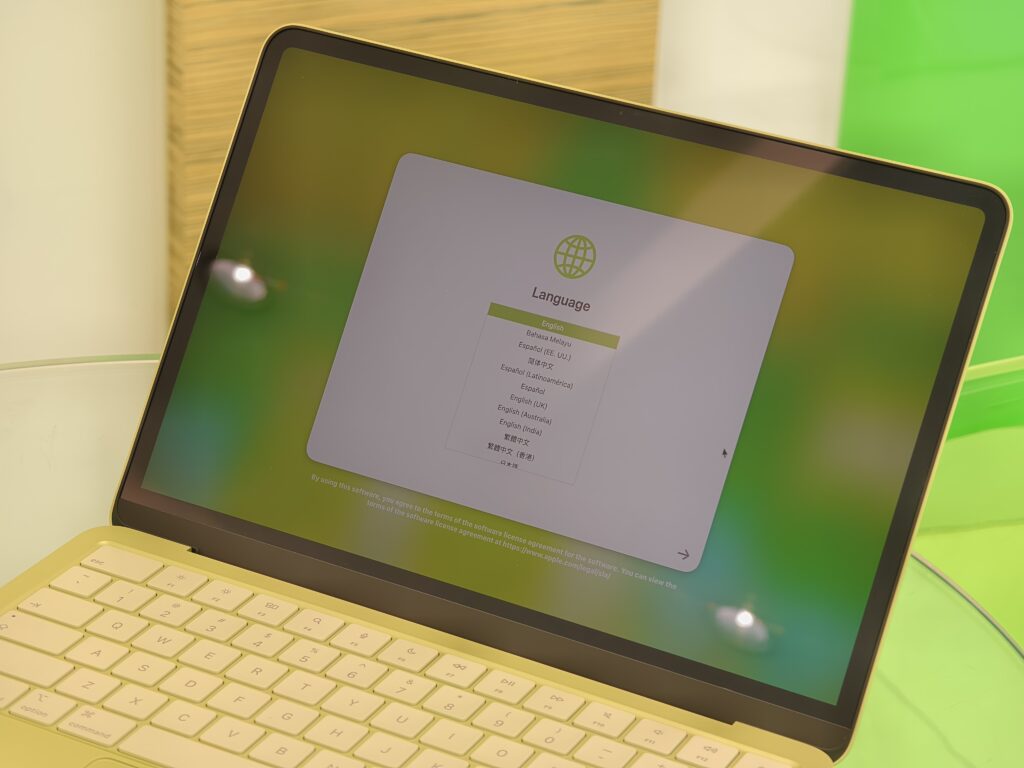

There are other weaknesses such as one of the two USB-C ports (yes only two) is limited to USB 2.0 speeds and the base 256GB model lacks Touch ID. But I think I can live with these two weird flaws.
The Opportunities
The Neo is a perfect opportunity for few group of users. First is students who wants a cool and reliable laptop for normal college works. They are no longer need to fork out RM4000 for a MacBook. Second is for iPhone users who have never owned a Mac, but are always aiming to have one for doing work on-the go and enjoy Apple ecosystem seamless integration. And the third one is the MacBook Neo is ideal for professionals who already have a powerful desktop at home or a heavier and bulkier MacBook Pro. So now all they want is a model that is a lightweight, and reliable, for clients presentation, travel or cafe work.
The Threats
Based on the 8GB RAM limitation alone, I wonder how future proof the Neo is. As software becomes more demanding and the usage of AI tools (that in general is a RAM hunger apps) is becoming more and more essentials for worker or students, I feel that the Neo is already at its performance ceiling. It will be just a matter of time before consumer starts to feel the Neo is actually pretty slow.
Next is of course the competition from Windows. Long term and experienced laptop manufacturers like Dell, HP, Lenovo surely have the capabilities to produce a windows laptops with better performance, better display, better port selections at the same price range, and this might lure away spec-conscious buyers from the Neo.
Who Should Buy It?
Based on the SWOT above, here are the three primary groups who should consider the Neo:
| The First-Timer (Students & Students-at-Heart) | The Couch & Coffee Shop User | Small Business Owners |
|---|---|---|
| If you’re currently using a budget Windows laptop that feels clunky, the Neo is for you. It’s for the user whose world lives in Chrome/Safari, Spotify, Microsoft Office or cloud based applications such as Google Docs. The A18 Pro handles these with ease, and the up to 16-hour battery means you can leave your charger at home. | If you want a device for entertainment and light productivity, such as scrolling social media, watching Netflix, or writing a blog post, especially outside office. Tthe Neo provides better experience than Windows laptop or even any other bulkier MacBook. It is even better than an iPad because the Neo has a real keyboard, real trackpad and it runs MacOs. Weighing only 1.23 kg, it’s incredibly light and slips easily into a backpack. It’s the ultimate on-the-go or casual computer. | For retail shops or cafes, the Neo provides a sleek, professional look at the counter for a fraction of the cost of a MacBook Air. It’s perfect for running POS systems or managing social media accounts. You can even select the color that best match your cafe or office and get functionality and aesthetics at the same time. Perfect. |
1. The First-Timer (Students & Students-at-Heart)
If you’re currently using a budget Windows laptop that feels clunky, the Neo is for you. It’s for the user whose world lives in Chrome/Safari, Spotify, Microsoft Office or cloud based applications such as Google Docs. The A18 Pro handles these with ease, and the up to 16-hour battery means you can leave your charger at home.
2. The Couch & Coffee Shop User
If you want a device for entertainment and light productivity, such as scrolling social media, watching Netflix, or writing a blog post, especially outside office. Tthe Neo provides better experience than Windows laptop or even any other bulkier MacBook. It is even better than an iPad because the Neo has a real keyboard, real trackpad and it runs MacOs. Weighing only 1.23 kg, it’s incredibly light and slips easily into a backpack. It’s the ultimate on-the-go or casual computer.
3. Small Business Owners
For retail shops or cafes, the Neo provides a sleek, professional look at the counter for a fraction of the cost of a MacBook Air. It’s perfect for running POS systems or managing social media accounts. You can even select the color that best match your cafe or office and get functionality and aesthetics at the same time. Perfect.
Who Should Skip it?
From my experience, these two group of users should definitely skip the Neo.
1. Creative People
If your life, study or work involves editing video (especially in 4K), do a lot of heavy color-grading work, and or you need P3 color display, it’s best you skip the Neo. Also remember, the 8GB RAM limit is the dealbreaker.
2. Gamers
While the A18 Pro is a beast for mobile gaming, it still comes with some technical limitations. The chipset is good in single core task, matching even the M3 chip, but in multitasking, it’s no better than the M1. The Neo definitely won’t handle AAA Mac titles comfortably. The lack of titles? That is for another discussions.
3. Multitasker
If you keep 50+ tabs open in Chrome while running Zoom and Excel simultaneously, you’ll hit the 8GB limit quickly. So again, the Neo is not for you.
Final thought: Is the Temptation Worth It?

It’s easy to fall in love with the MacBook Neo. It’s light, it looks great on a cafe table, and the price makes it feel like an easy yes. But as we always say here at SemuaHub, a good deal is only a deal if it actually does the job you need it to do.
In shorts, buy it if you are a student, a casual user, or a business owner looking for a sleek, reliable terminal for your business. At RM2,499, the value is unbeatable for everyday tasks, and skip it if you are a Power User who lives in heavy spreadsheets, 4K video timelines, or 50+ open Chrome tabs. That 8GB RAM ceiling is real, and it will hit you sooner than you think. You better save that money as future fund for a better MacBook with M4 or M5 chip.
The MacBook Neo is undeniably the most tempting laptop of 2026. For some of us, it might be the right computer, at the right time. It’s a Mac that finally respects our Malaysian wallet. Just make sure you’re buying it for what it can do, not just because it’s cute.
Share this content:












Post Comment